See your event through everyone’s eyes
One QR code. Every guest’s photos and videos, collected in one shared gallery. No app. No sign-up.
Try it free with up to 10 guests. No card required.

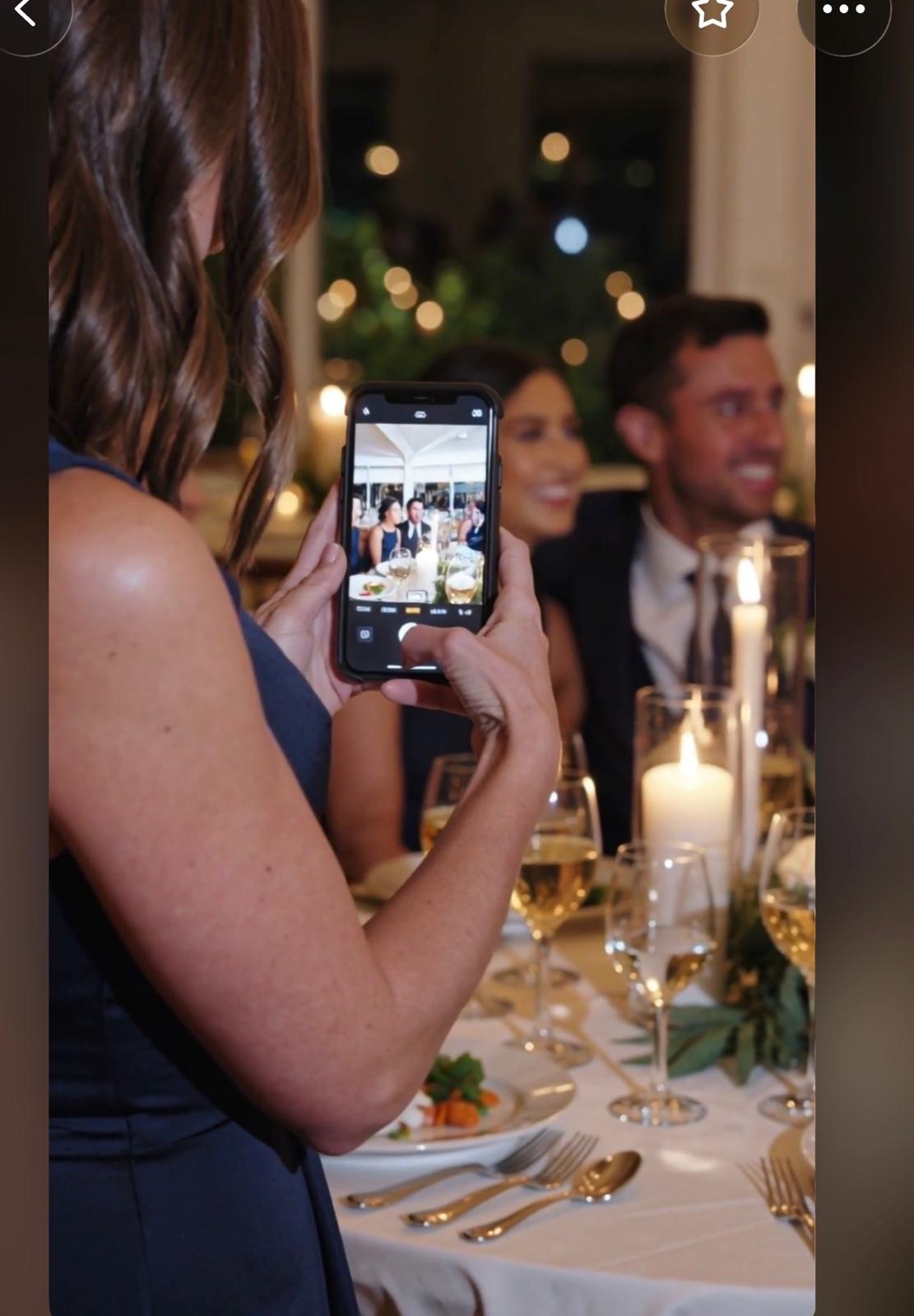
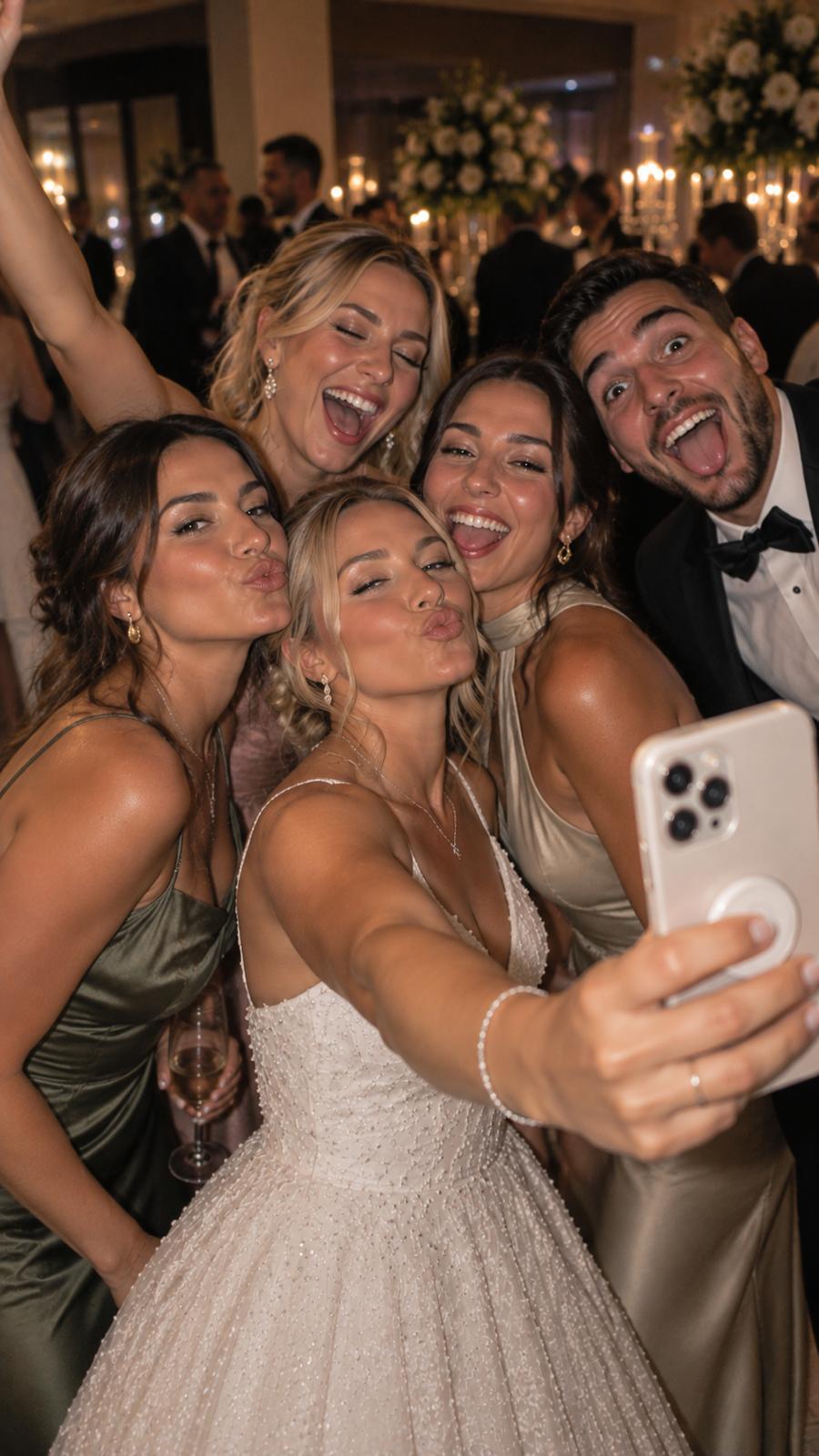

// See how it works
Point, shoot, done — for your guests and for you.
Create your event → Share your QR → Guests capture & upload → It’s all in one gallery
And you see every guest’s photos in one place.




// Why Clickit
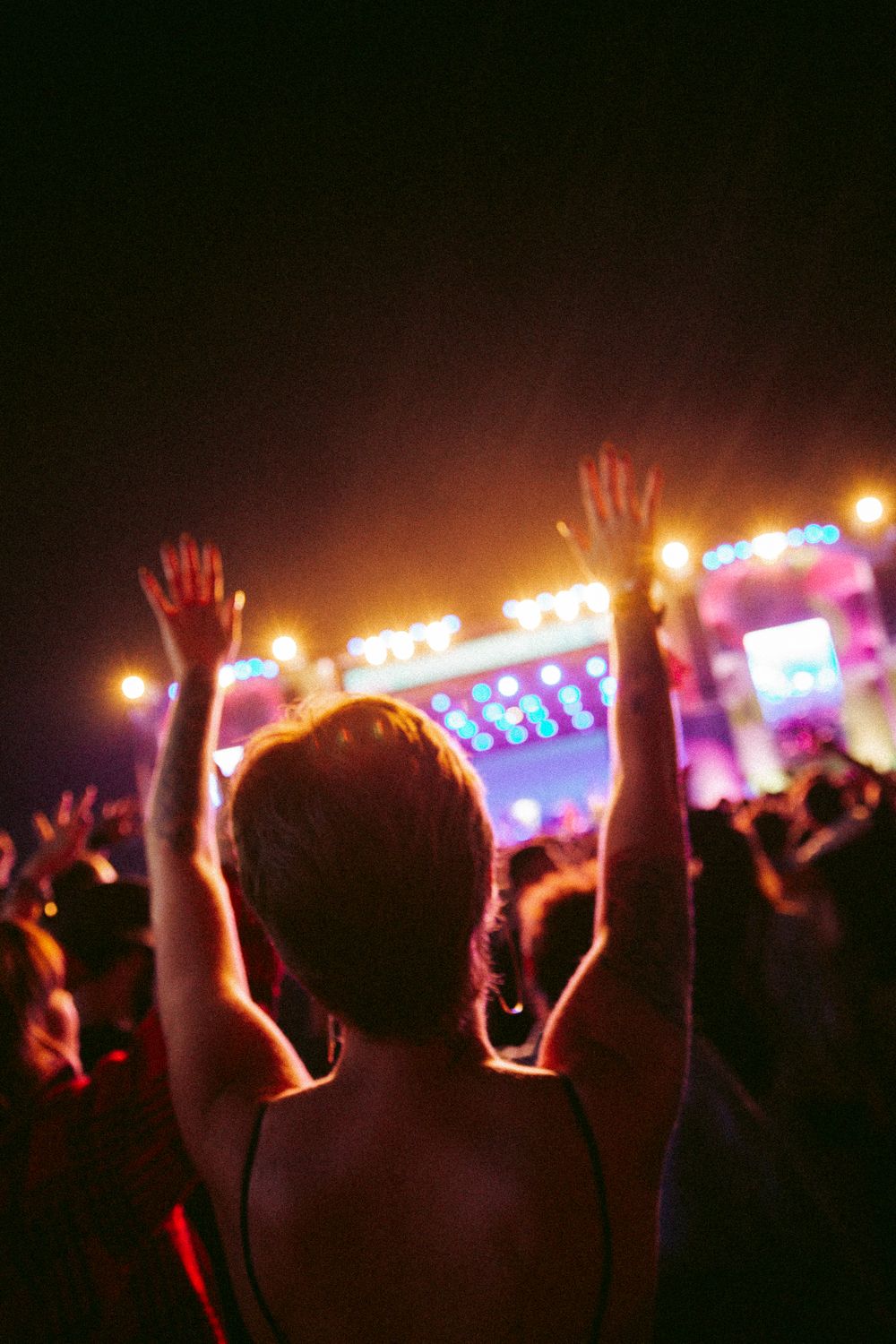
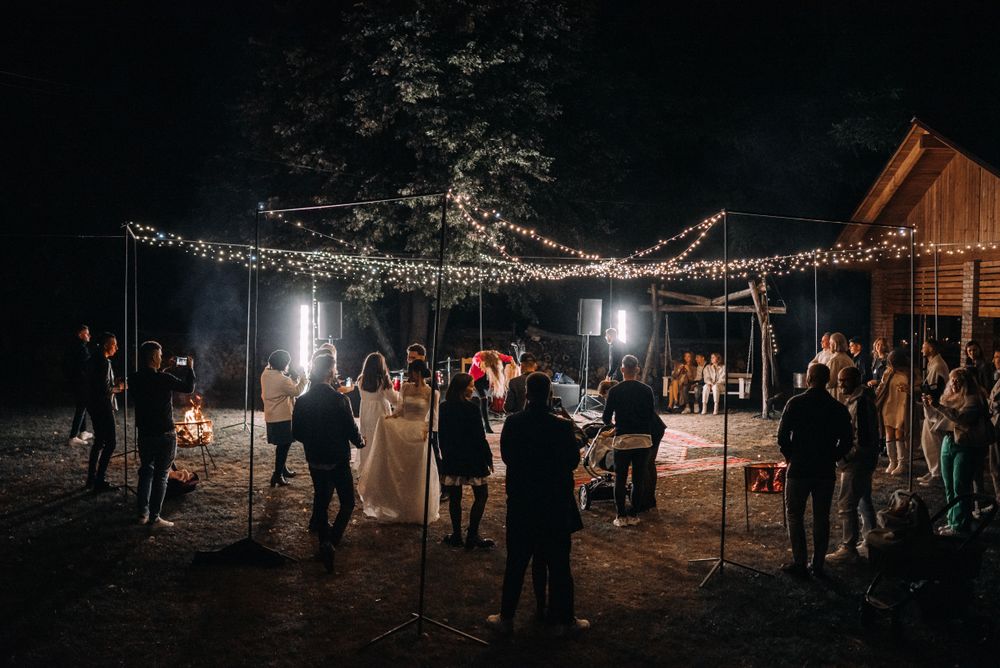
The photos you didn't know were being taken.
Your photographer can't be everywhere. Your guests are. Clickit brings together the spontaneous moments, different perspectives and little memories you might otherwise never see.
Your photographer captures the big moments. Your guests capture everything in between.


// The payoff
This is what your guests build.
A live gallery, filling up as the night goes on — every photo from every phone, in one place.


// Any event
One QR. Every kind of event.

Weddings
Every angle of your big day.
Birthdays
Every laugh, surprise and celebration.
Festivals & Nightlife
Capture the night from every perspective.

Corporate & Events
Bring every moment together.
Whatever you’re celebrating, everyone contributes to the same shared gallery.
Create your event — freeFeatures
Everything an event needs. Nothing a guest has to figure out.
No app. No sign-up.
Scan and start sharing.
Everyone’s photos in one place.
Photos and videos from every guest, collected in one shared gallery.
Your gallery. Your rules.
Choose whether photos appear instantly or require approval. AI moderation helps keep unwanted content out.
Make the memories yours.
Filters, disposable-camera looks and collages.
// From hosts
The morning-after surprise.
“Test”
// Templates
A poster style for every kind of event.
Make it feel like your event. Pick a style and personalize it with your event name, date and colors.
Swipe for more →
// Pricing
One event. One payment. No subscription.
Pick the size that fits your guest list. Pay once, per event — cancel nothing, because there’s nothing to cancel.
One-time payment · No subscription · No hidden recurring fees
Loading pricing…
// FAQ
Questions, before you create your event.
Do guests need an app?
No. Guests scan the QR code and shoot straight from their phone’s browser camera — nothing to install.
Do guests need an account?
No sign-up, no login. They scan and start adding photos.
Can guests upload photos they already took?
Yes. They can take a new photo or pick existing photos and videos from their phone.
Can I approve photos before they appear?
Yes. You choose: photos appear instantly, or every upload waits for your approval. AI moderation can flag unwanted content either way.
Can guests download photos?
That’s your call — turn guest downloads on or off for your gallery.
How long is the gallery available?
Every plan includes a set number of days of gallery access (shown on each plan). You can export everything before it closes.
Can guests upload videos?
Yes — video clips up to the length included in your plan.
Is my gallery private?
Yes. There’s no public directory or search — the only way in is your event’s unique QR code or link, which you control who you share it with.
What happens to my gallery after the event?
It stays open for the number of days included in your plan, then closes. Export the photos and videos you want to keep before then.
What if more guests join than I planned for?
Nothing stops working — every guest can keep scanning and uploading. Your guest count just determines which plan fits your event, so pick the tier closest to your real headcount up front.
Your guests are already taking the photos.Make sure you get them.
Create your event — freeNo card required · Ready in minutes.